yasumuOS
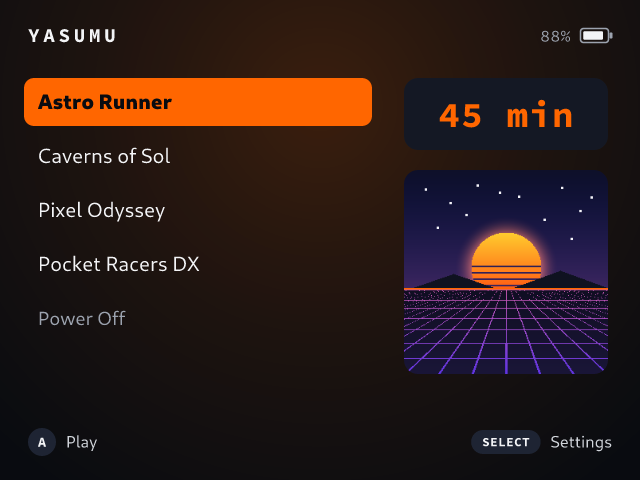
Minimalist launcher with Switch-style parental controls for retro emulation handhelds.
Highlights
Playtime Quotas
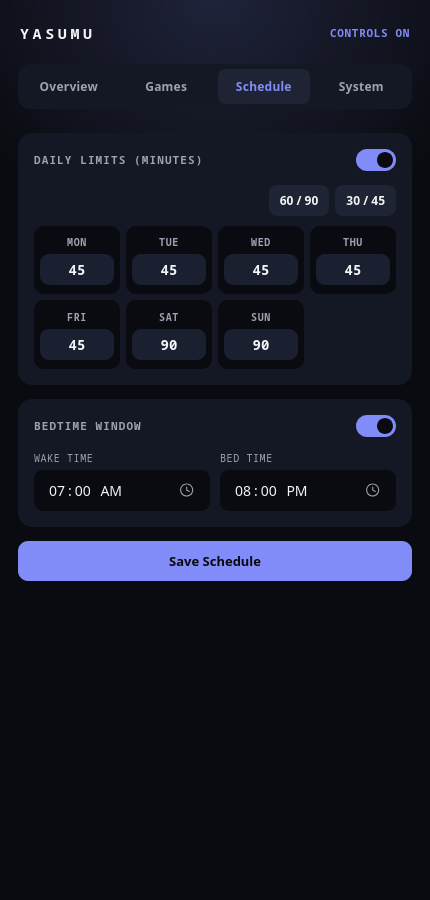
Configurable quiet bedtime window and per-day usage limits. 5m/1m warnings with on screen message and audio cue. Auto saves on exit.
Built-in Web Portal
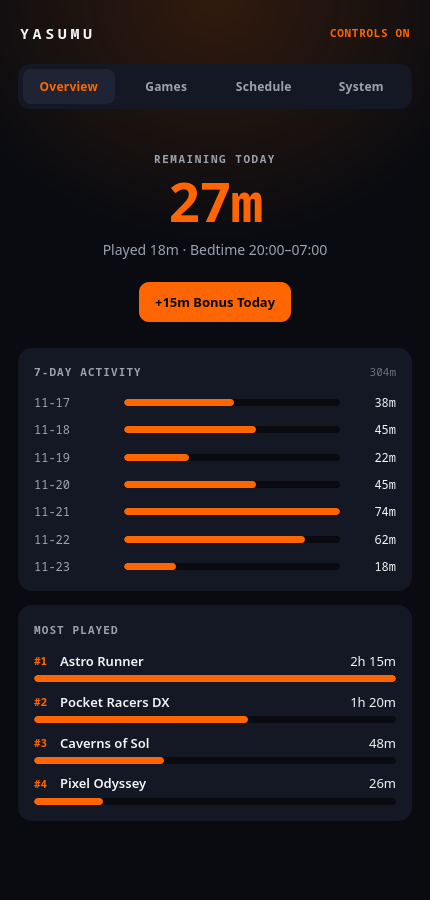
PIN-gated portal over Home WiFi or offline hotspot with QR codes. Consult usage stats and manage everything from there.
Games, ROMs & Screenshots
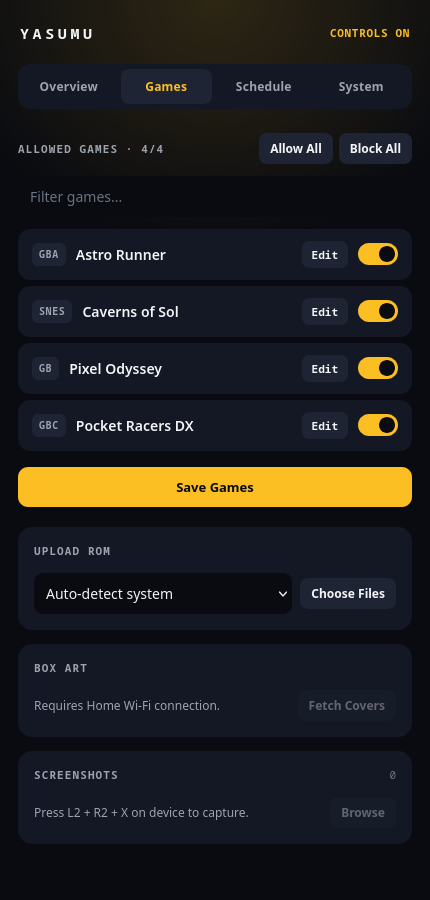
Allowlist games, upload ROMs, fetch box art, browse and export screenshots, all without removing the SD card.
Easy to set up, hard to cheat
Reversible 1 click install, six languages supported (EN, FR, DE, ES, JP, CN). HMAC-signed state, and RTC rollback protection.
Device screens
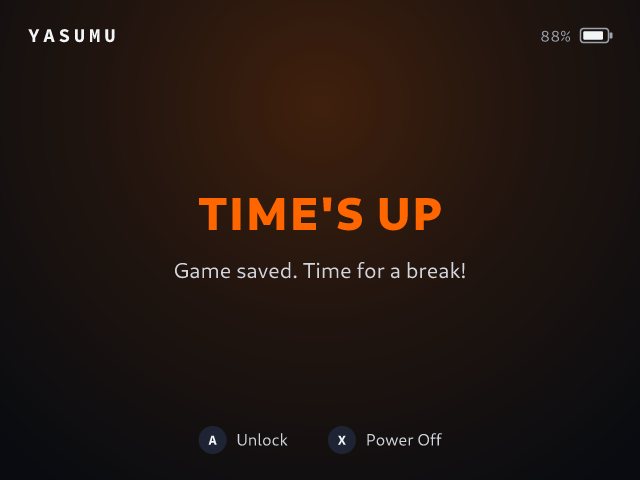
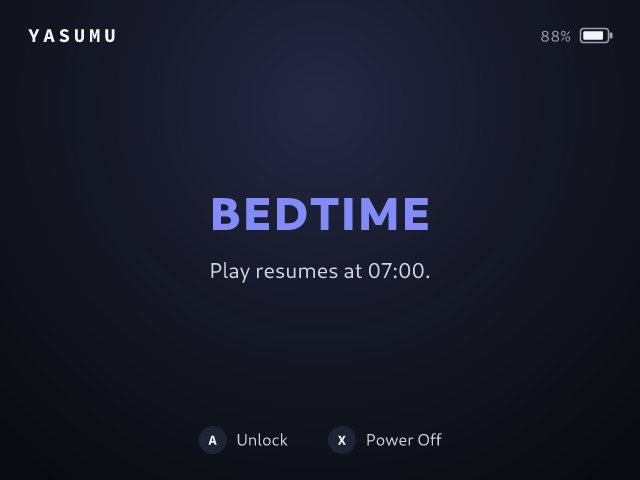
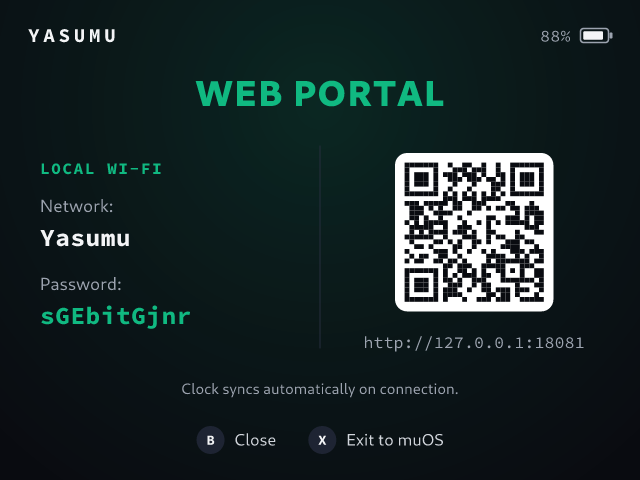
WiFi Portal screens
Install & Uninstall
Install (muOS 2606.0+)
- Copy
yasumuOS.muxapptoARCHIVE/on your SD card. - On the handheld, open Archive Manager and extract it.
- Launch Applications → yasumuOS to install and reboot.
Built for 640×480 Wi-Fi Allwinner H700 handhelds (RG35XXSP, RG35XX Plus/H, RG40XX H/V — tested on RG35XXSP). First boot opens the Web Portal automatically.
Uninstall
- Press SELECT on the handheld to open the Web Portal.
- Open System → Uninstall yasumuOS and confirm.
Restores the original muOS frontend and boot splash, removes yasumuOS, and reboots automatically. ROMs, saves, and box art stay intact.